Redirect URI Validation
This feature ensures that the redirect_uri parameter provided by the client during authorization is validated against the URIs registered with the OAuth server.Enforcing this validation prevents unauthorized redirection and protects against redirect-based attacks such as open redirect exploits.
What is redirect_uri parameter?
During the OAuth or OpenID Connect flow, after the user authenticates and authorizes the client, they are redirected back to the client application using a Redirect/Callback URI.
This URI is where the client receives and processes the authorization response (such as an authorization code or access token).
The exact format of this response depends on the grant type being used, and the client then proceeds to act on behalf of the user.
Why Disable Redirect URI Validation?
In some cases, a client may need to dynamically generate redirect URLs instead of using a fixed, pre-registered one.
This is common for stateless applications or applications that append unique session identifiers or tokens to their redirect URLs.
However, turning off validation should be done with extreme caution, as it may expose the system to open redirect vulnerabilities.
Plugin Configuration
To configure Redirect URI Validation:
- Navigate to the Configurations tab.
- Under Redirect/Callback URI Validation, locate the Validate Redirect URI toggle.
- Turn the toggle ON to enable validation.
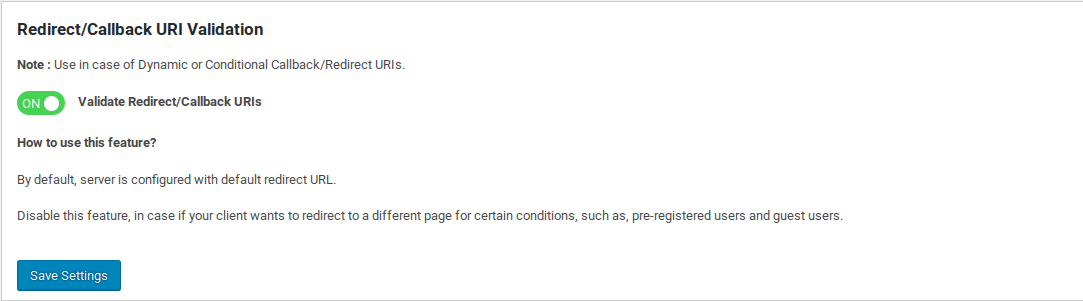
When enabled, the OAuth server will validate the redirect_uri sent by the client.If the URI is not registered or does not match the expected value, the server will return the following error response:
ERROR:
  {
    "error": "redirect_uri_mismatch",
    "error_description": "The redirect URI provided is missing or does not match",
    "error_uri": "http://tools.ietf.org/html/rfc6749#section-3.1.2"
  }