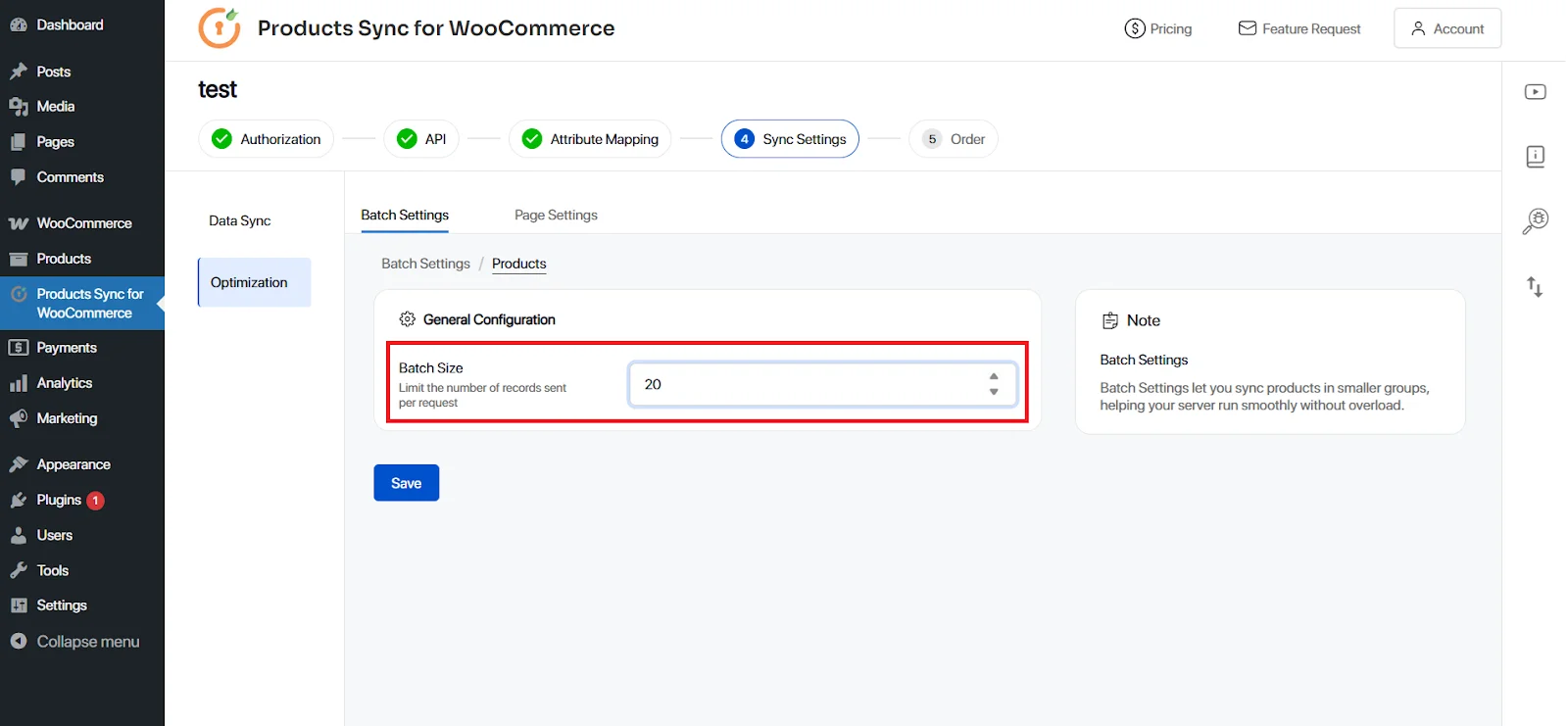
Batch Settings
Batch Settings allow you to sync products in smaller, more manageable groups, reducing the load on your server and ensuring smoother operation. By configuring batch sizes, you can optimize the data syncing process, preventing server overload and improving overall performance while maintaining efficient synchronization of products.
To configure the Batch Sync, please follow these steps:
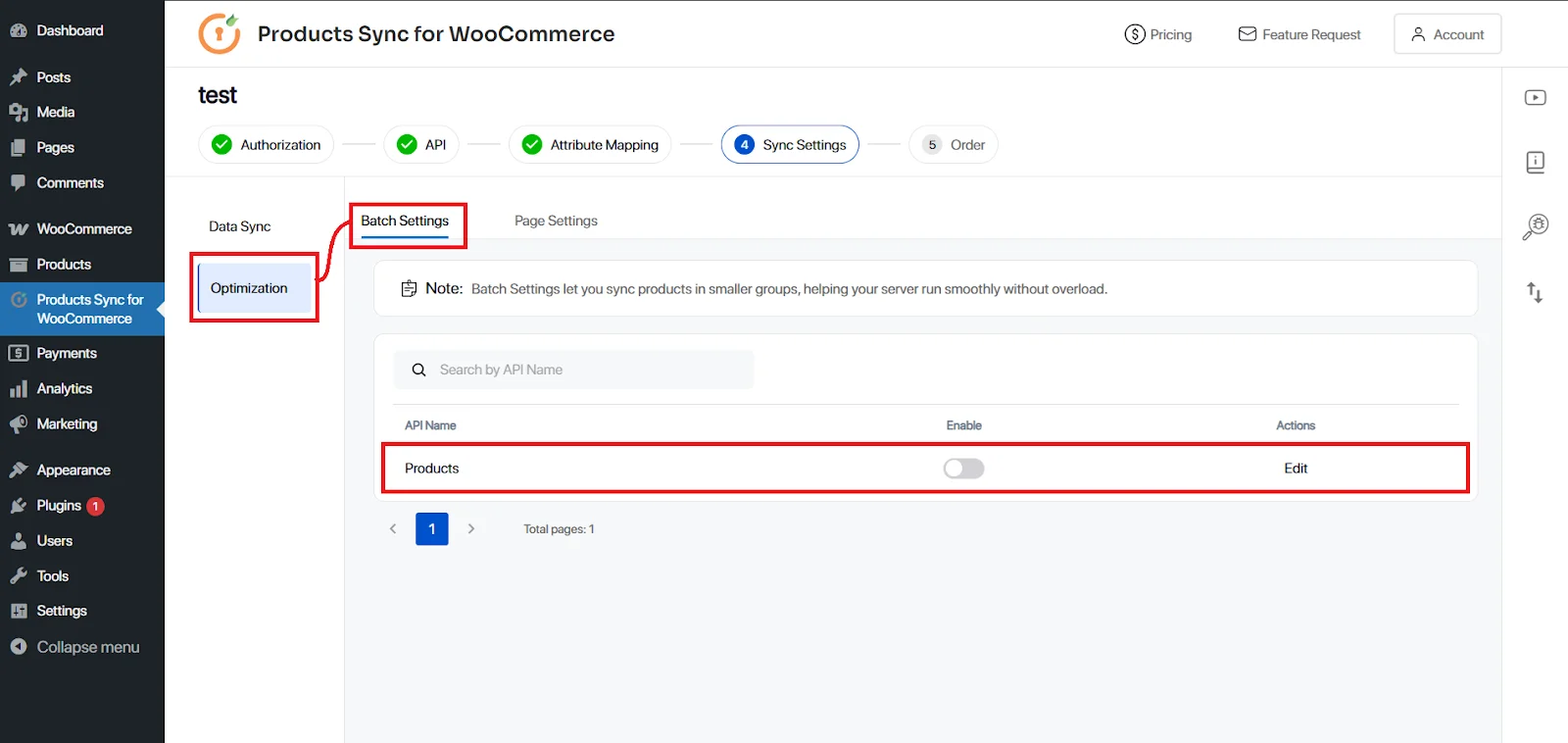
1. Go to Sync Settings -> Optimisation -> Batch Settings. Enable the Batch and edit the connection in which you want to set batches.
2. Once you click Edit, you need to set the batch size like 10 or 20 etc and click Save button and restart the Sync to make the changes to take the effect.