Enable Single Logout (SLO) to End Active Sessions Everywhere
SLO terminates the user’s active WordPress session and all SAML sessions across connected Service Providers (SPs).
It ensures that when a user logs out from a connected Service Provider (SP), they are also logged out of the WordPress Identity Provider (IDP), and vice versa. This prevents unauthorized access caused by active sessions left open across applications.
How It Works
When SLO is initiated:
- The user initiates a logout from the Service Provider (SP) or WordPress (IDP).
- A SAML LogoutRequest is sent to the Identity Provider (IDP).
- WordPress (IDP) validates the request and terminates the user session.
- A signed SAML LogoutResponse is sent back to the Service Provider (SP).
- The user is logged out successfully from all connected applications.
Quick Steps
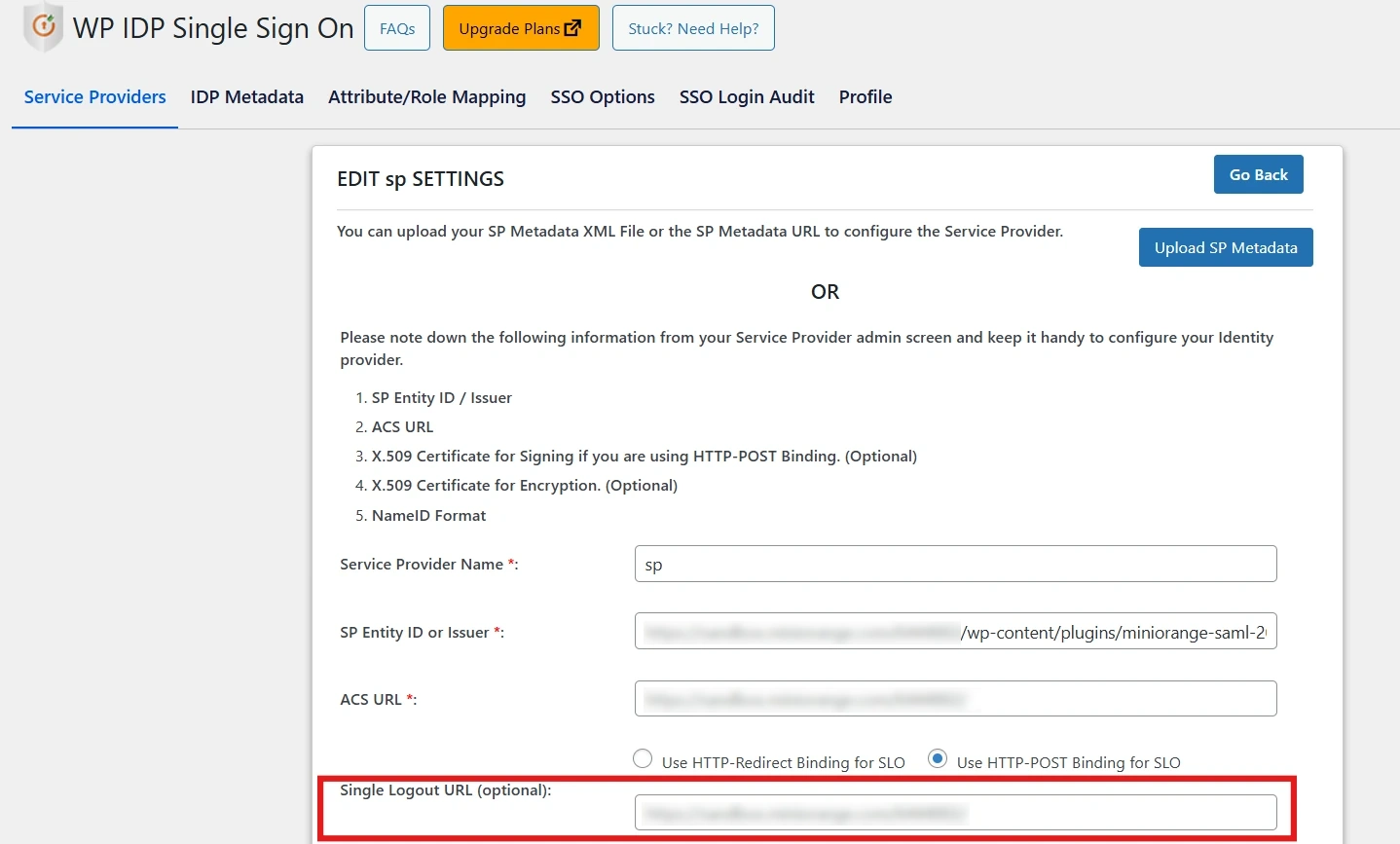
- Go to the Service Provider tab → SLO Settings in the plugin. Copy the SLO URL and required certificate details.
- Configure the SP with the SLO URL and certificate.
- Test logout from both the SP and WordPress to confirm full session termination.
Benefits
- Centralized session termination
- Improved security and compliance
For more information, visit the SAML IDP for WordPress page.