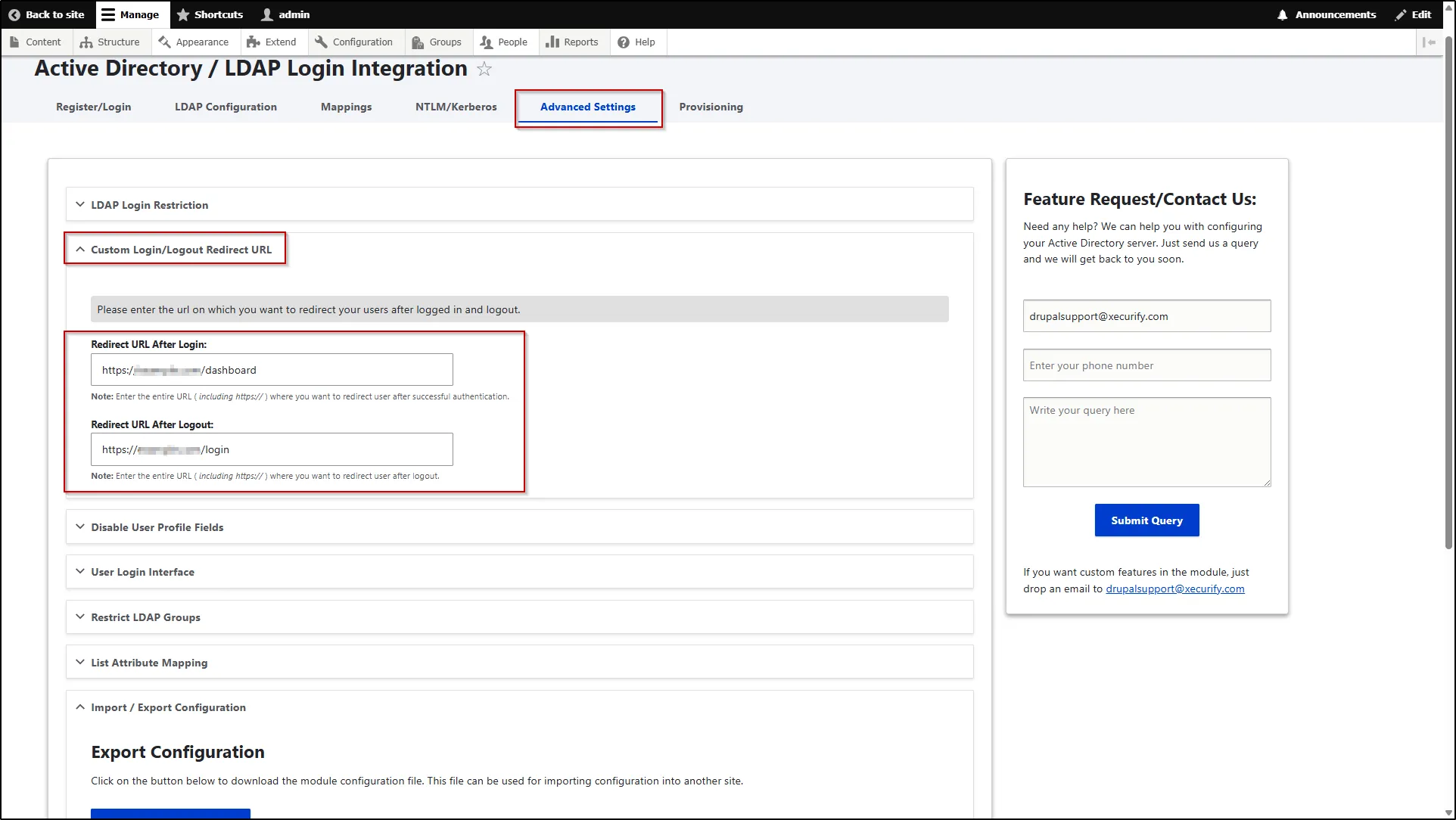
Custom Login/Logout Redirect URL
This feature allows you to define custom redirect URLs for users after login and logout. It helps control the user journey by directing them to specific pages based on your usecases.
- To configure this, navigate to the Advanced Settings tab.
- Expand the Custom Login/Logout Redirect URL section.
- In this section, enter the complete redirect URL in the respective fields—Redirect URL After Login and Redirect URL After Logout to specify where users should be redirected after logging in or logging out.
- Scroll down and click the Save Settings button.