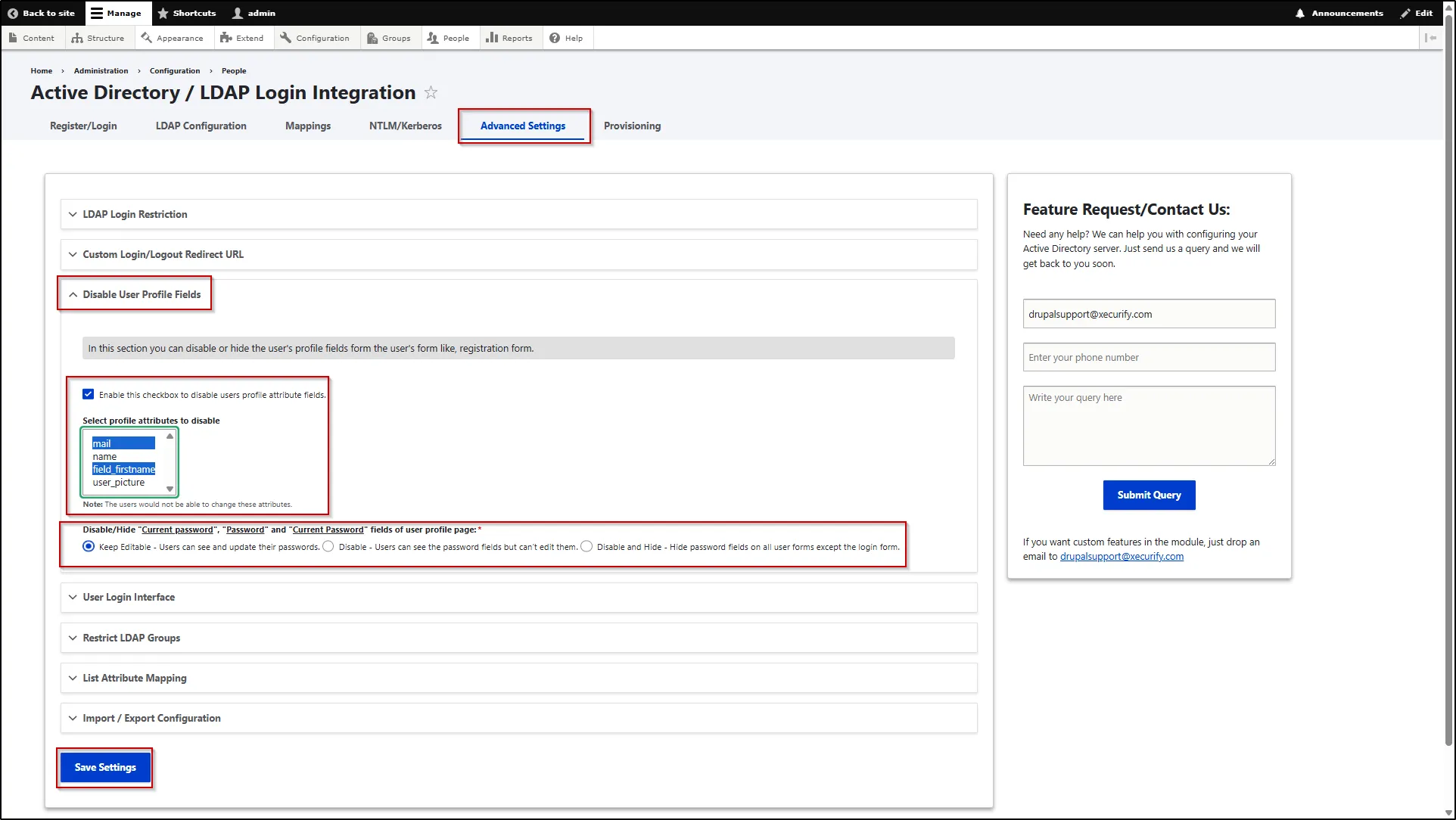
Disable User Profile Fields
This feature allows you to disable or hide specific user profile fields from user-facing forms, such as the registration form. It helps streamline the form by displaying only the necessary fields and improves the overall user experience.
- To configure this, navigate to the Advanced Settings tab.
- Expand the Disable User Profile Fields section.
- Select Enable this checkbox to disable users profile attribute fields to activate this feature.
- Now, select the profile attributes you want to disable from the Select Profile Attributes to Disable field.
- For the passwords field select any one of the following:
- Keep Editable: Users can view and update their passwords.
- Disable: Users can view the password fields but cannot edit them.
- Disable and Hide: Password fields are hidden from all user forms except the login form.
- Scroll down and click the Save Settings button.