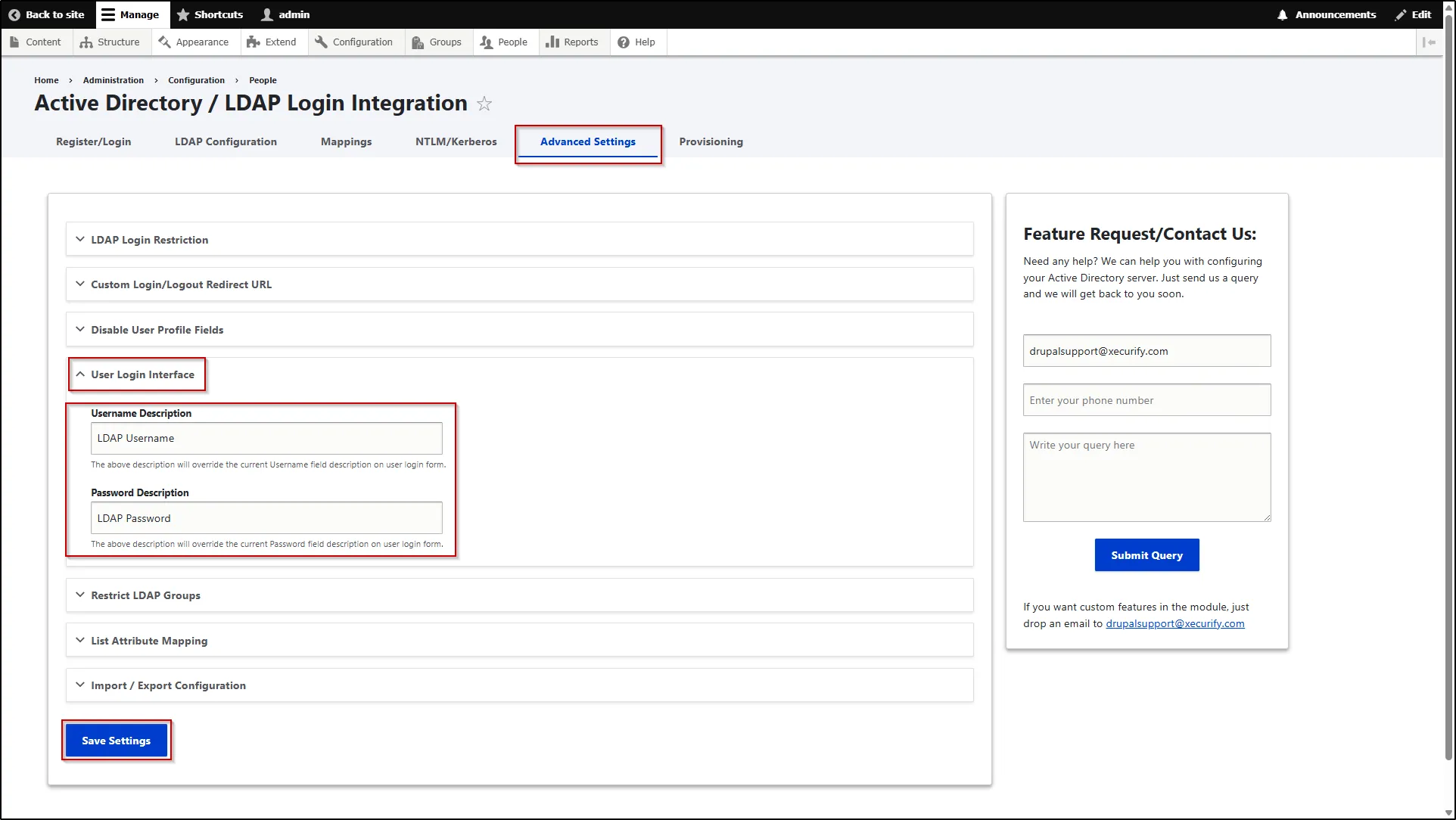
User Login Interface
This feature allows you to customize the login form by modifying the field descriptions displayed to users. You can override the default Username and Password field descriptions with your own text, making it easier to guide users on how to enter their credentials (e.g., LDAP or Drupal). This helps improve clarity and enhances the overall login experience.
- To configure this, navigate to the Advanced Settings tab.
- Scroll down and expand the User Login Interface section.
- In this section, enter custom descriptions for the username and password fields in the Username Description and Password Description fields. These values will override the existing descriptions displayed on the user login form.
- Scroll down and click the Save Settings button.