Customizable Email Templates
Feature Description
Merchants can customize email templates used in important Shopify B2B workflows from the Customer Accounts Login app. You can tailor messages for events such as company approval, company rejection, and email OTP sent, so customers see consistent branding and clear instructions. For each event, use the default template or create a new template from scratch to match your tone and requirements.
Setup Instructions
-
Open Shopify admin dashboard and launch the Customer Accounts Login application.
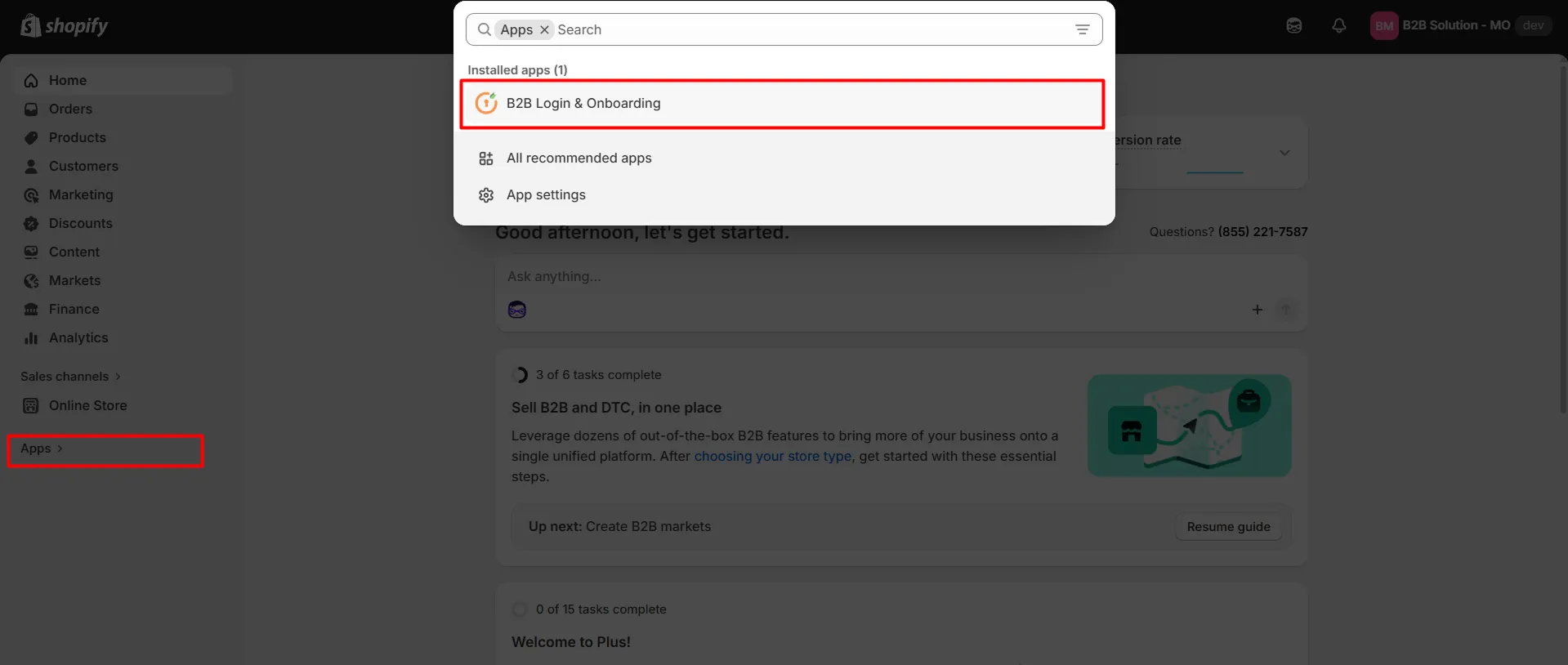
-
From the application, click the Email Templates tab.
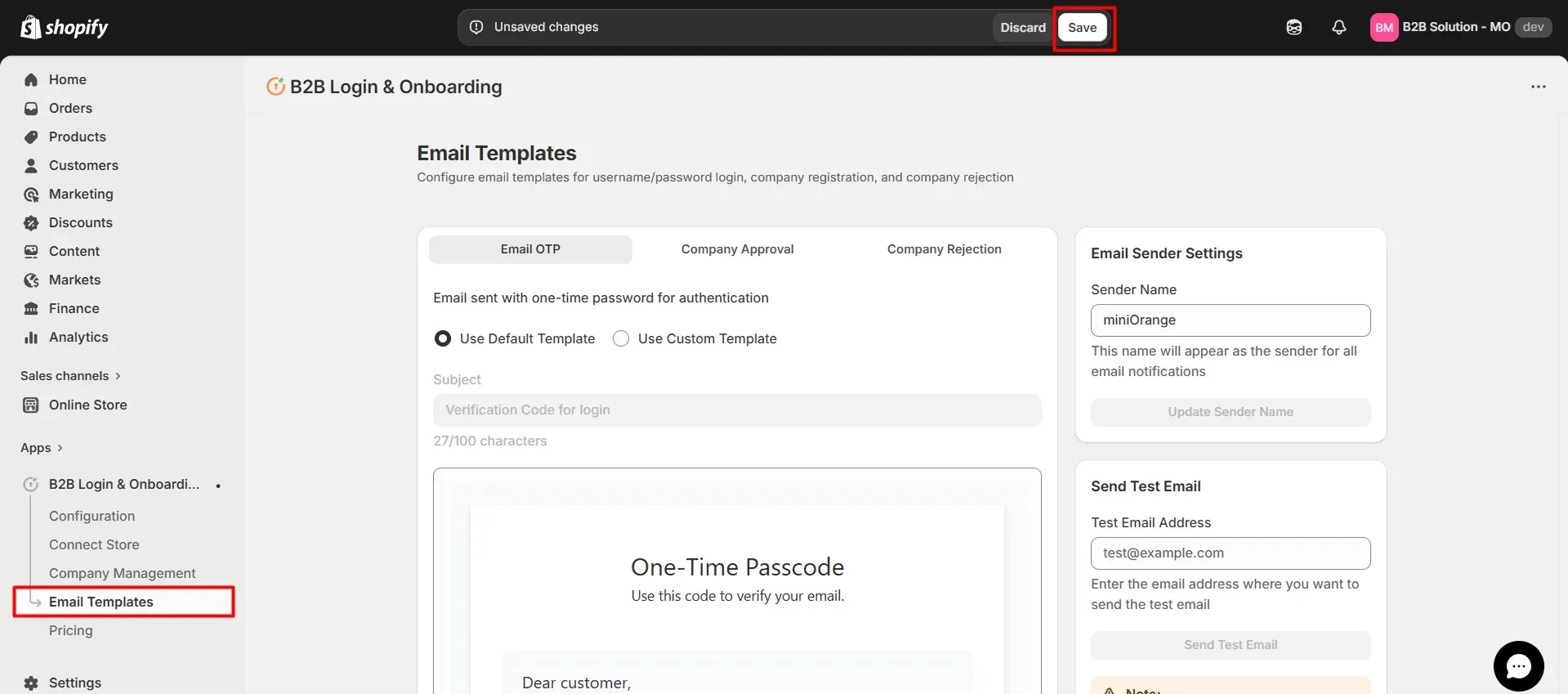
-
You can customize email templates for events such as "Company approval", "Company rejection", and "Email OTP" sent. Choose Default template for the built-in copy or create and edit a custom template as needed.
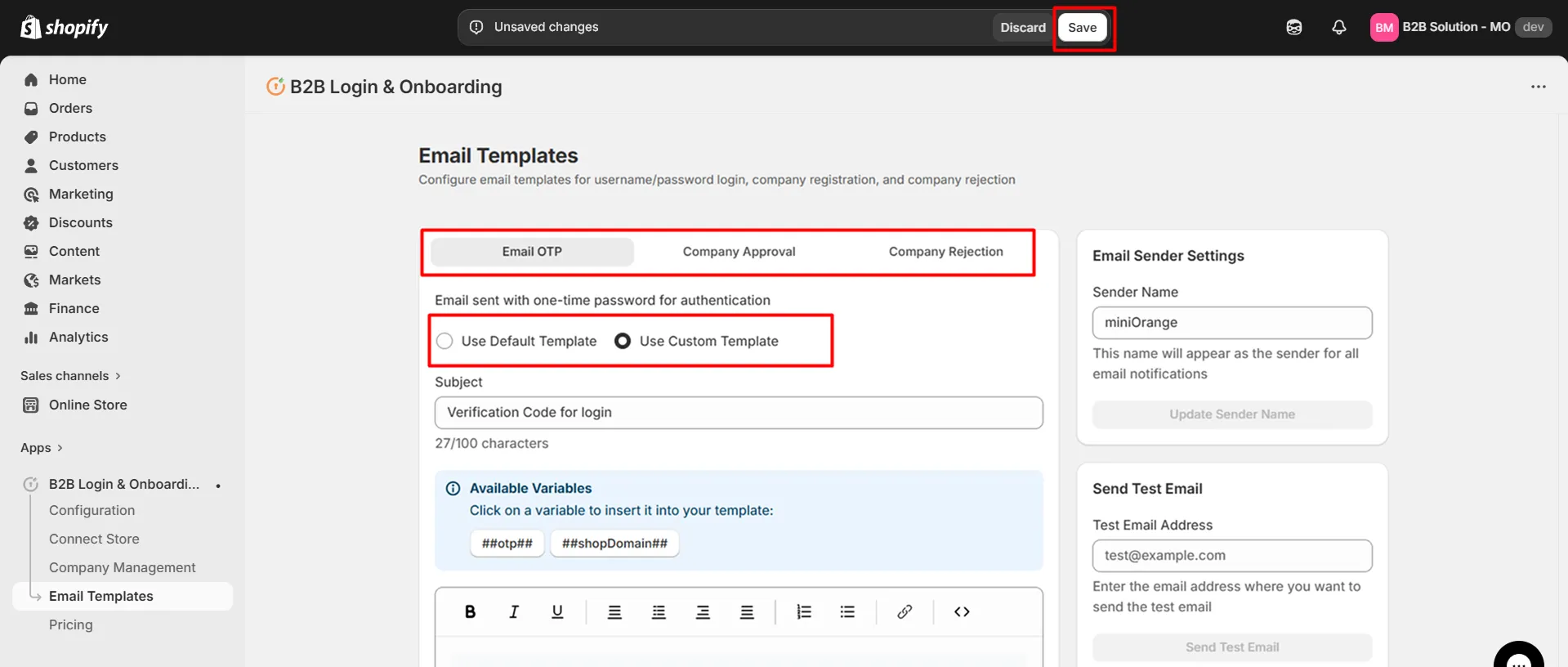
-
Save your changes so latest emails are used for the corresponding workflows.