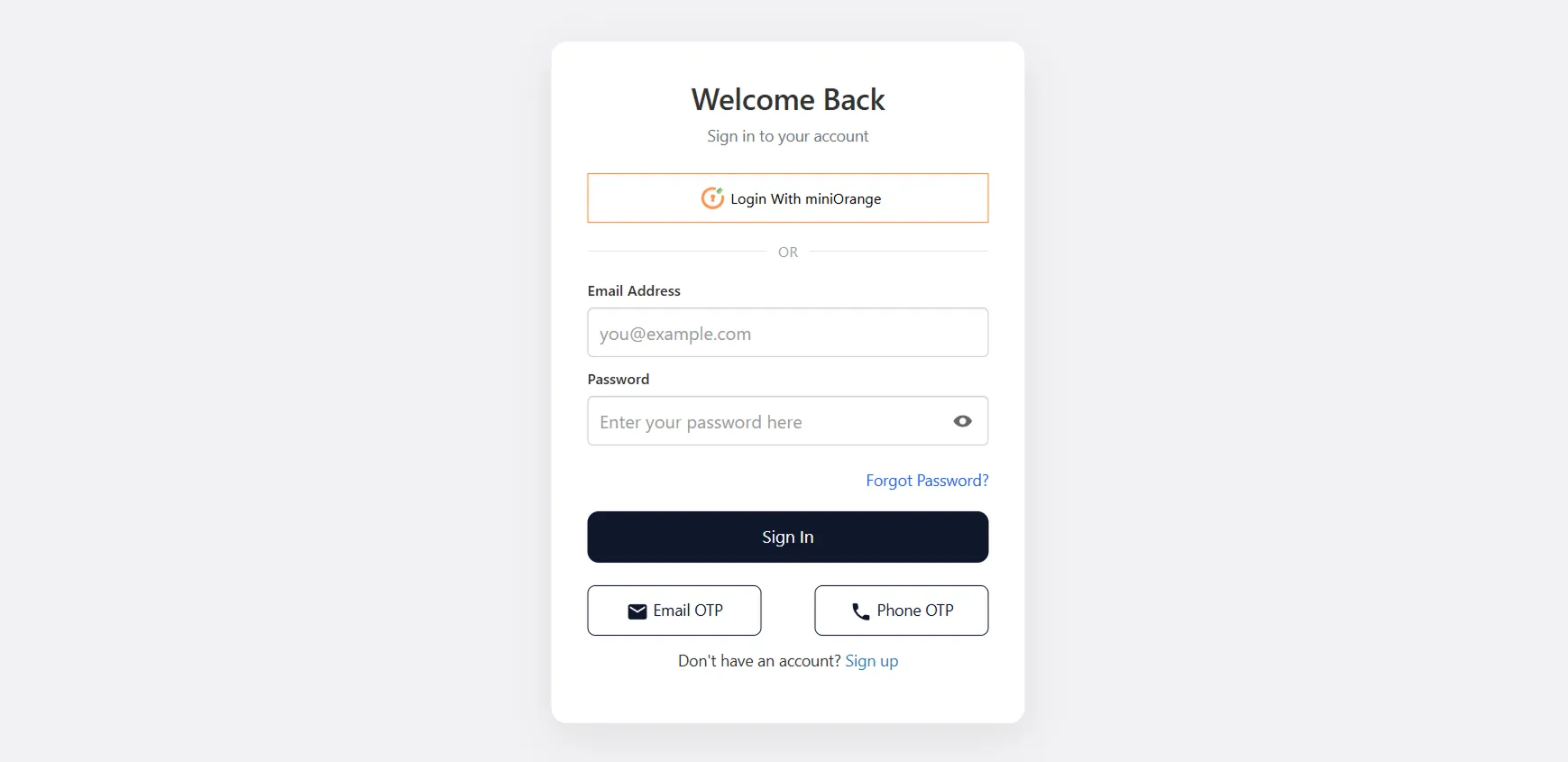
Enable Phone OTP Login
Feature Description
In addition to email and password login, you can enable Phone OTP Login for your Shopify B2B users. When enabled, users can log in securely using a one-time password (OTP) sent to their registered phone number via SMS, removing the need for passwords. This offers a quick and secure authentication method, making it ideal for B2B users who prefer fast, passwordless access via their mobile devices.
Setup Instructions
-
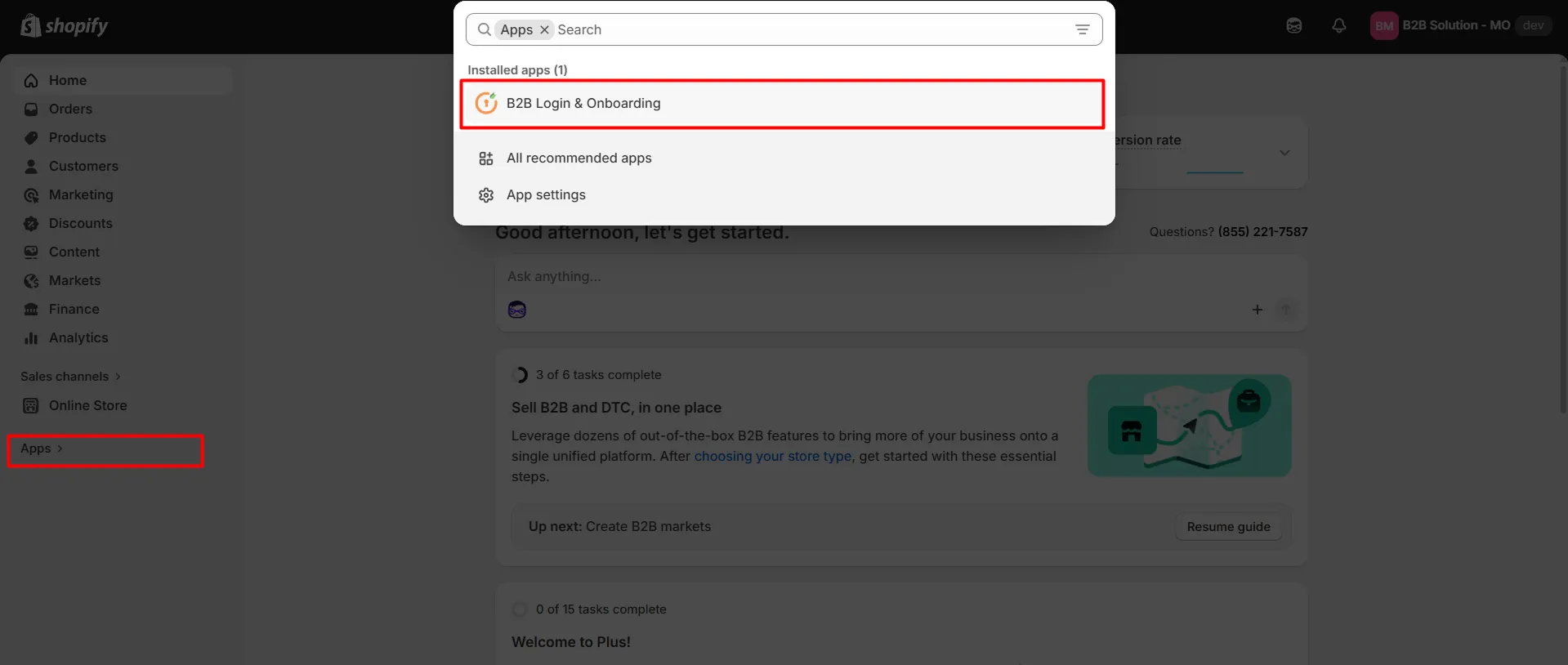
Navigate to the Shopify Dashboard, and open the Customer Accounts Login application.
-
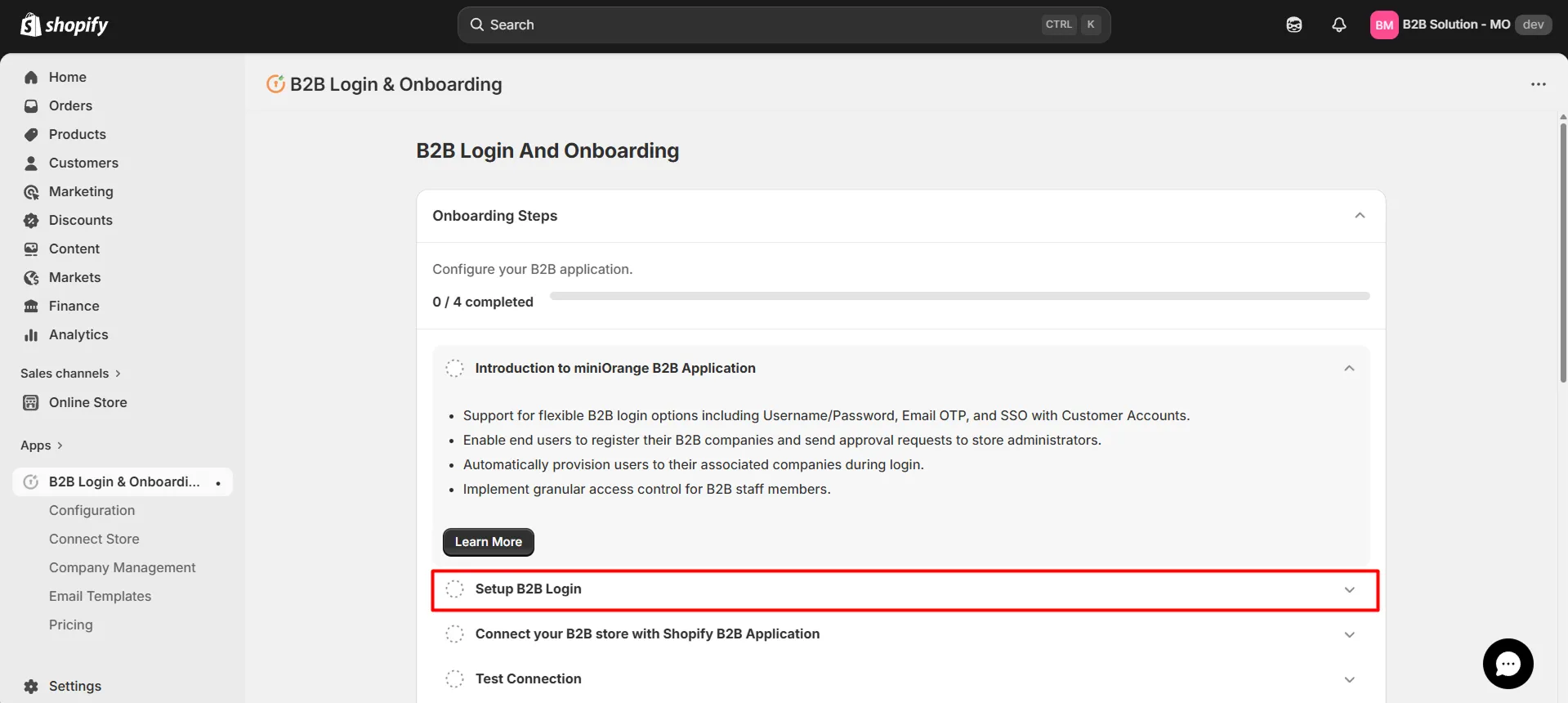
Click on the Setup B2B Login tab as shown below.
-
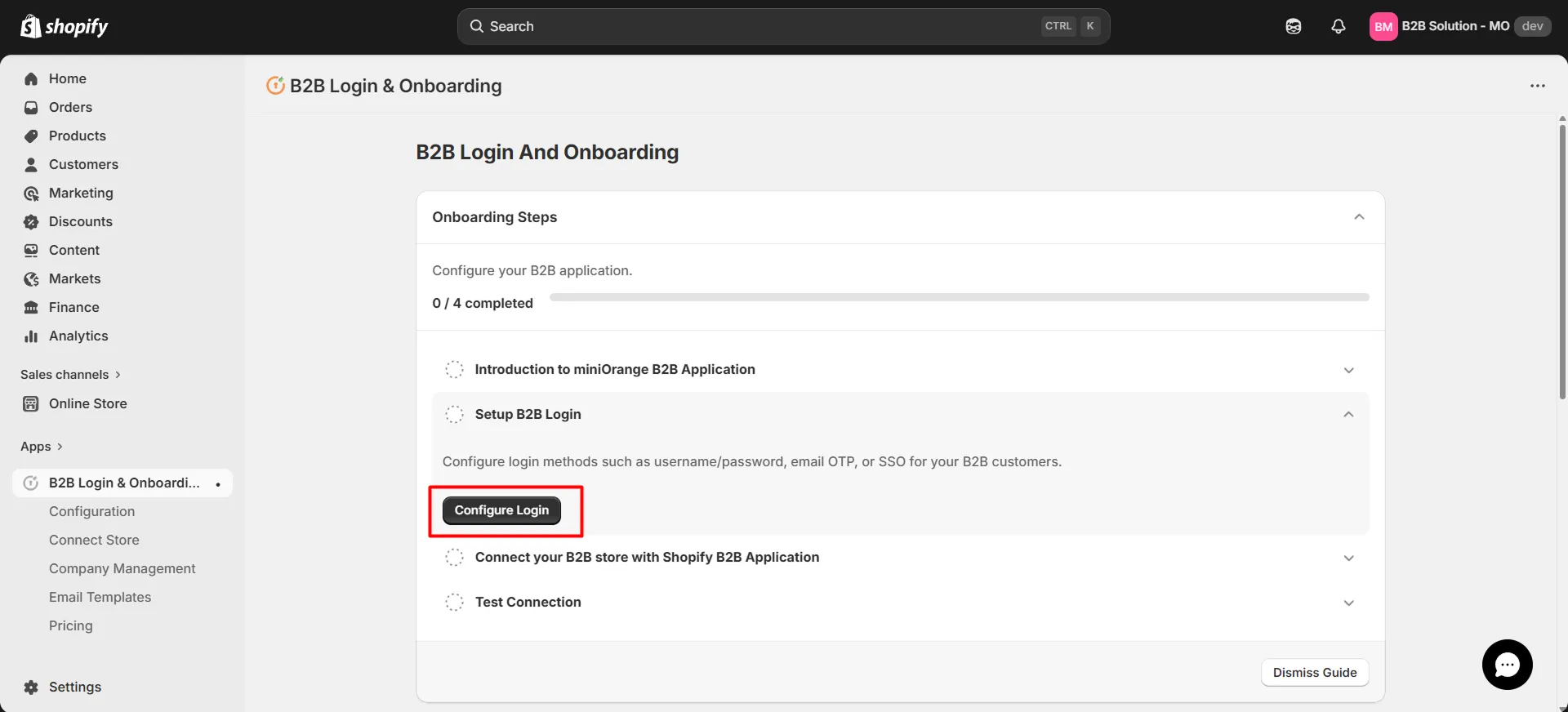
Now, click on the Configure Login button.
-
You will be redirected to the B2B Configuration page.
-
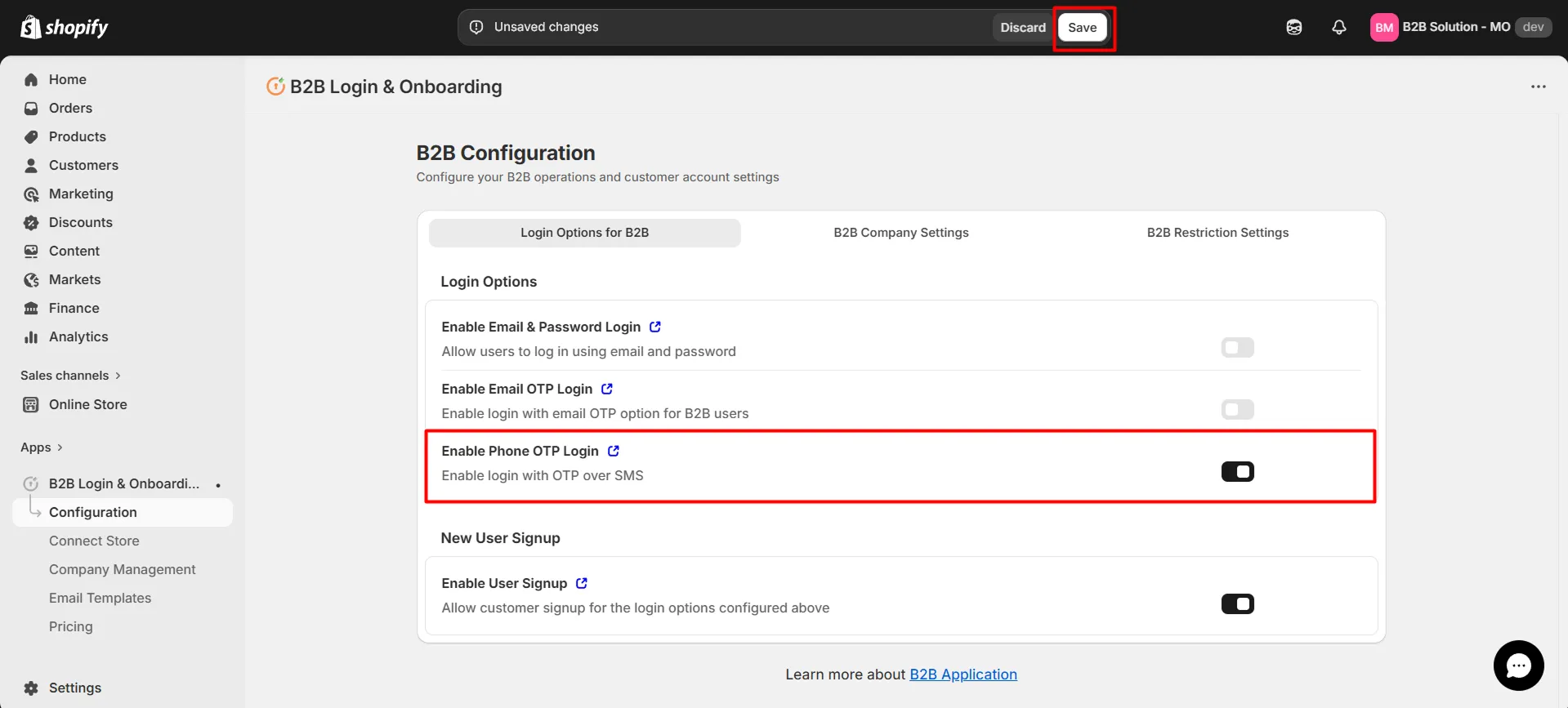
Under the Login Options for B2B tab, activate the Enable Phone OTP Login option to let users log in using their phone number and a one-time password (OTP) sent via SMS.
-
Click on Save.
-
After saving, a confirmation message such as “B2B configurations saved” will appear.
-
The end user will see Phone OTP login (and other login options if enabled) on the Shopify B2B Store login screen.